Landing page examples
that actually convert
18 landing pages built with PageStrike. Every one was generated by AI in under 2 minutes — copy, photos, and layout. Browse them for inspiration, or click "Use this template" to start from any of them.
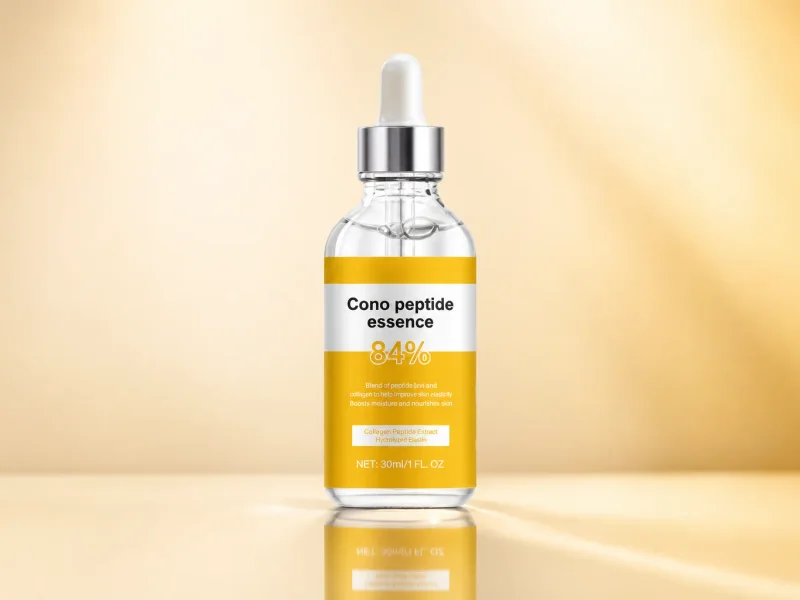
Anti-Aging Peptide Serum
Real product, real photos — long-form 'optimized' design that sells skincare.
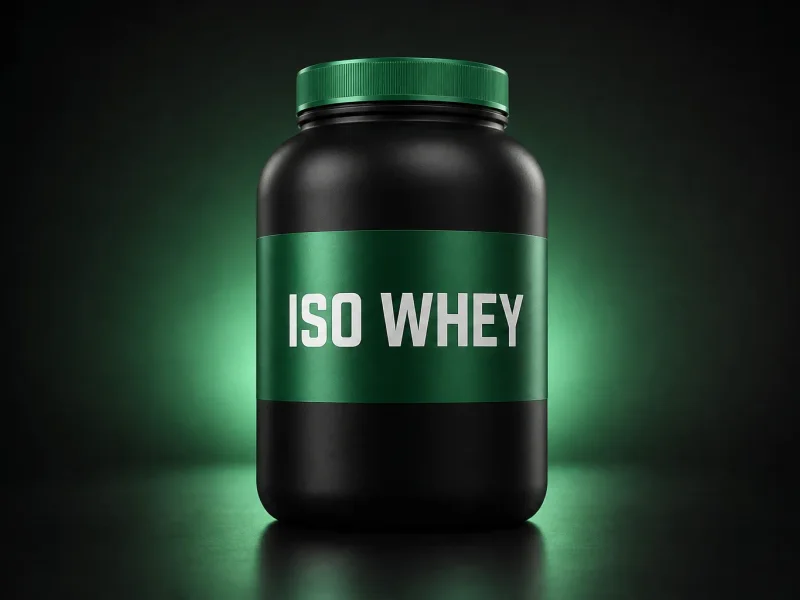
Whey Protein Isolate
Clean-label whey isolate — long-form 'optimized' design built to sell supplements.
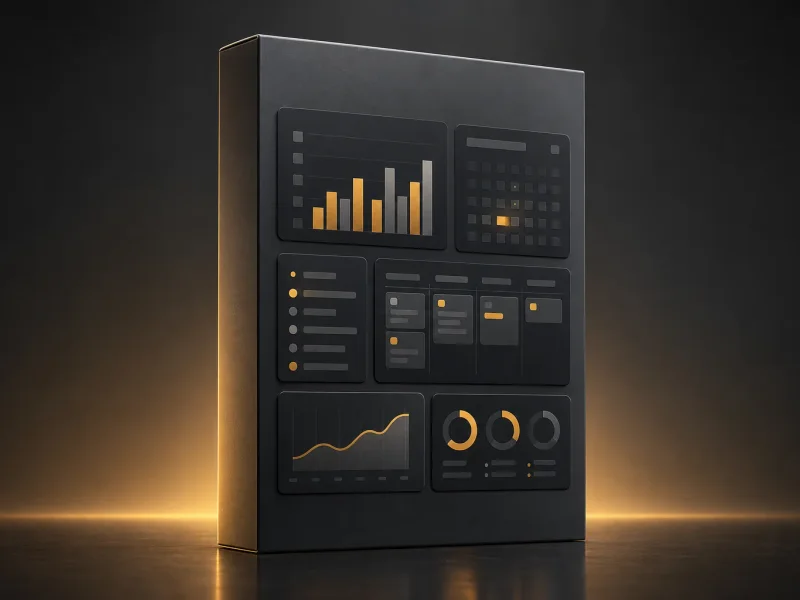
Notion Templates Pack
Digital product with instant download — long-form 'optimized' design for creators selling templates, ebooks and courses.

Luxury Oud Perfume
Oriental oud eau de parfum — long-form 'optimized' COD design, pay on delivery.
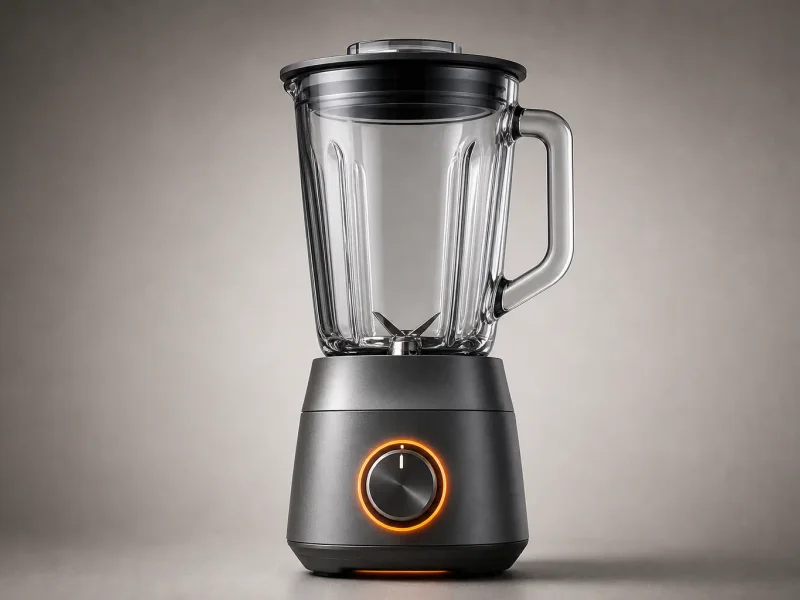
Smart Kitchen Blender
Graphite smart blender with glass jar — long-form 'optimized' COD design.

Side Hustle Masterclass
Pre-launch waitlist for an online course — build hype before launch day.
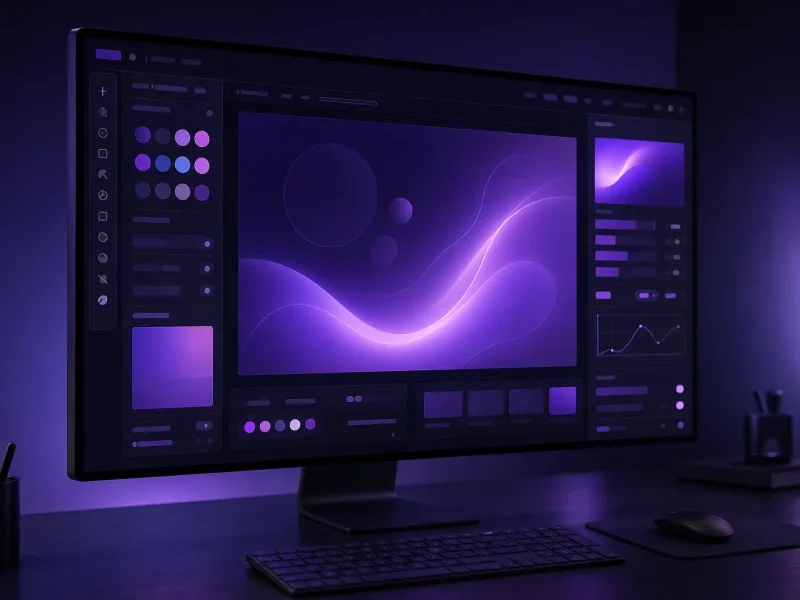
AI Design Tool Beta
Collect beta signups for an AI product — build a waiting list.

The Monday Founder
Weekly founder newsletter — grow a loyal reader list with an editorial page.
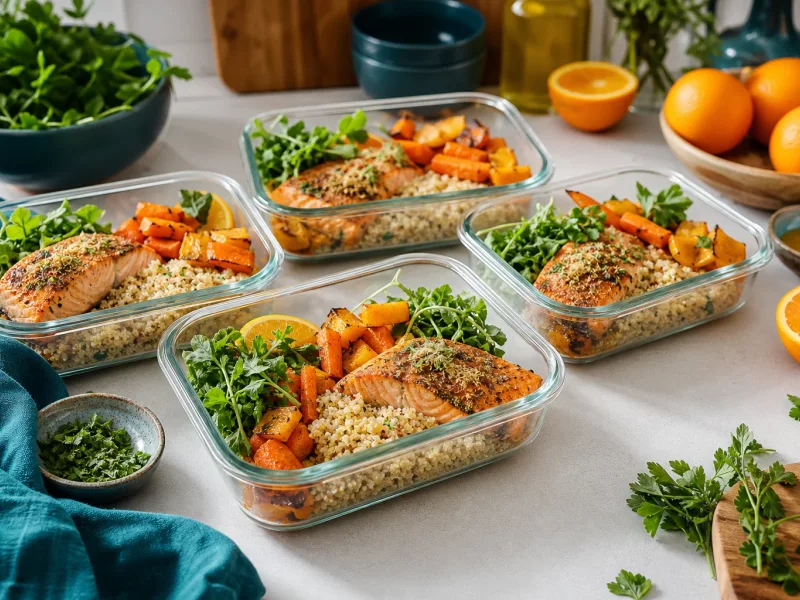
Meal Prep Blueprint
Free PDF lead magnet for a nutrition coach — trade a guide for emails.

Startup Growth Mentor
Book a free strategy call with a growth expert — high-ticket coaching.
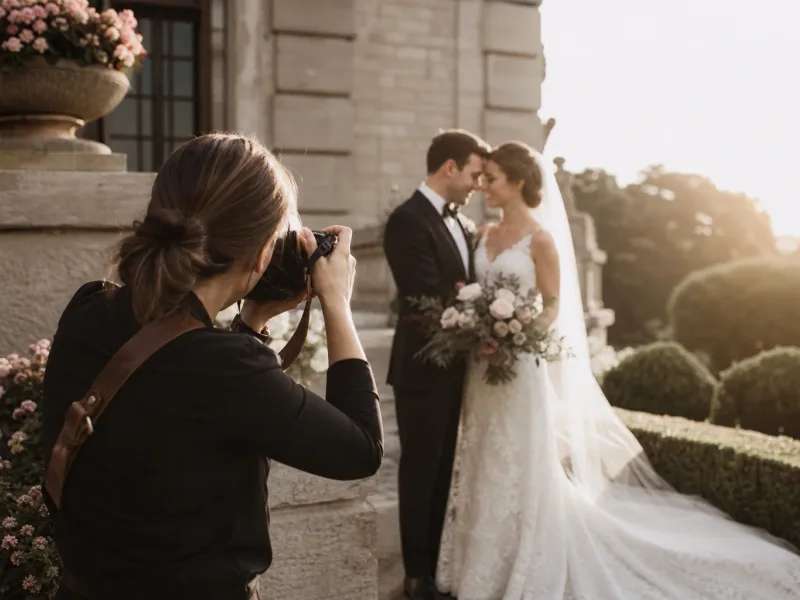
Wedding Photographer
Photography portfolio + booking page — creative services with calendar.

Modern Hair Salon
Salon services menu + appointment booking — cut, color, balayage.
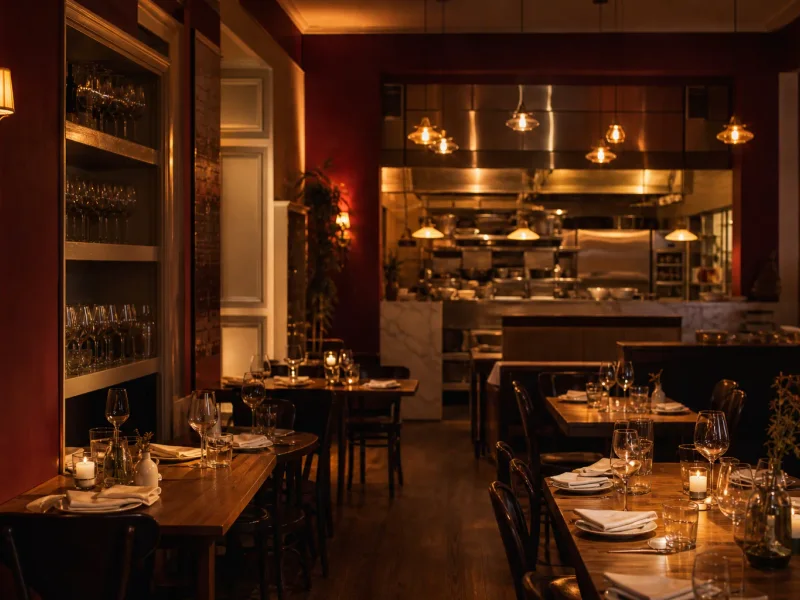
Restaurant Reservations
Bistro landing page with seasonal menu + table reservation booking.
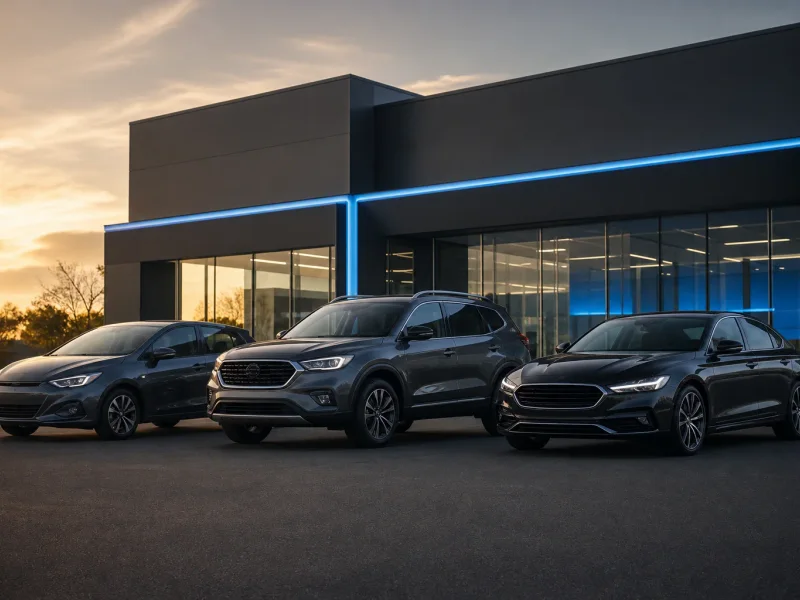
Car Rental Agency
Local car rental landing page — transparent rates, fleet showcase, reservation.

E-commerce Web Agency
Agency landing page for Shopify/WooCommerce builds — collect qualified B2B leads.

Interior Design Studio
Collect project inquiries for a design studio — B2C high-ticket service.
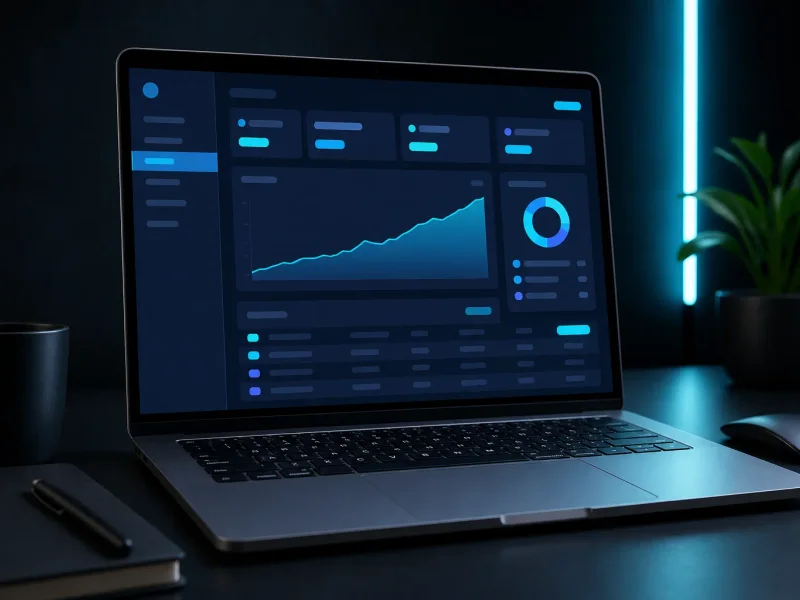
Invoicing SaaS Tool
SaaS landing page for a billing tool — free trial signup CTA.
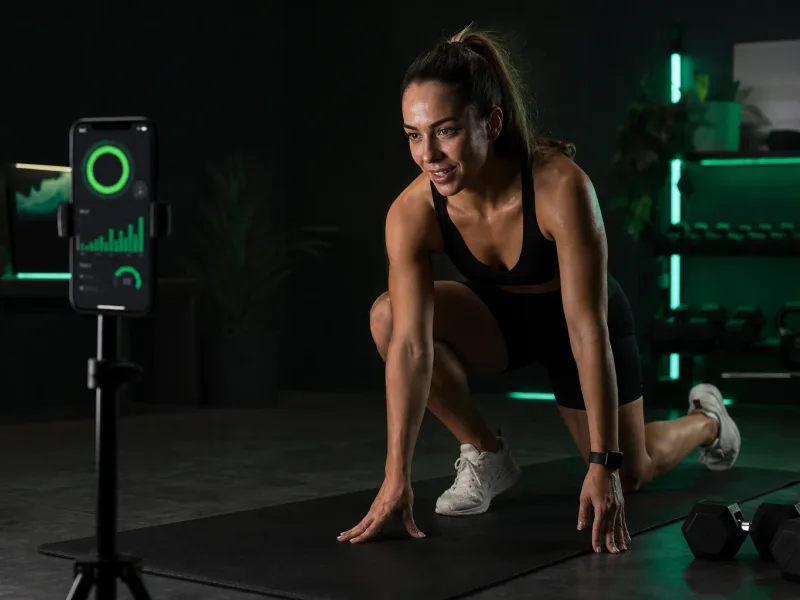
Fitness Tracker App
Mobile app landing page — download CTA for health & fitness.
What makes a landing page actually convert
Most landing pages look fine and convert badly. The fix usually isn't more design — it's six small things, every time:
- One offer, one CTA. If your hero asks the visitor to "sign up, follow us, or check out the demo" you've already lost. Pick the goal that pays you. Cut the rest.
- The headline answers "what's in it for me" in seven words or less. "The fastest CRM for solo founders" beats "Welcome to AcmeCRM — let's grow together" every time.
- Real photos, not stock. Stock photography signals "we don't have customers yet." If you genuinely don't, AI-generated product photos look better than the legal-pad-on-a-desk shot from Unsplash that's already on 40,000 sites.
- Social proof above the fold. Three logos, a testimonial with a name and face, or a number that doesn't feel rounded ("1,247 founders" > "1,000+ founders").
- A form that asks for what you need, nothing more. Each extra field cuts conversion roughly 8–12%. If you can get away with email-only, do that.
- Mobile-friendly because most of your traffic isn't on a laptop. Test the page on your phone. If the CTA isn't visible without scrolling, fix that before anything else.
The examples above are templates we generated with PageStrike's AI — they bake these six rules in by default. You can use any of them as a starting point and regenerate the copy to match your offer.
Frequently asked
Can I use one of these landing pages as a template?▾
Yes — click any example and you'll land on the live template. From there, hit "Use this template" and the AI regenerates the page with your product, your offer, your photos. It takes about 2 minutes.
Are these real customer pages or demos?▾
These are templates we built to show what PageStrike's AI produces per CTA mode (sell now, COD, email capture, quote, booking, click-through). Real customer pages live on their custom domains and aren't always public — we share screenshots in the changelog when customers give us permission.
What's the difference between a landing page and a homepage?▾
A homepage tries to do many things — describe the company, list features, share the blog, link to pricing. A landing page does one thing: convert a visitor who clicked a specific ad or email into a specific action. Same site can have one homepage and twenty landing pages, one per campaign.
Do I need to know HTML or CSS?▾
No. PageStrike is no-code. The AI generates the page, you edit the copy in plain English, and we publish it on a real URL (yours or pagestrike.app/your-slug). No drag-and-drop builder, no Tailwind classes, no deployment.
Can I host the landing page on my own domain?▾
Yes, on every plan. Solo includes 1 custom domain and Starter includes 3 — connect yourbrand.com, store.yourbrand.com, etc. DNS setup takes 5 minutes. Every page also gets a free subdomain on pagestrike.app/your-slug.
Explore more
Case studies — real seller results
Anonymized stories with production-verified numbers, dated and pulled from real order data.
Browse templates
Start from any of these templates — one click to generate.
AI landing page builder
Create a page like these in 2 minutes — free.
Generate from a product photo
Upload one photo and get a page as good as any example here.
Landing pages for ecommerce
Product-focused pages built to convert paid ad traffic.
Landing pages for SaaS
SaaS-specific copy: features, pricing framing, signup flow.
Landing pages by industry
Browse 15+ niche-specific pages for your business type.
Pricing & plans
3-day free trial, plans from $9/mo. See every plan, limits, and the 0% COD fee.
Want a page like these?
Describe your product. PageStrike generates a landing page just as good — in 2 minutes, for free.
Create your landing page — free