SaaS landing page, written by AI in minutes.
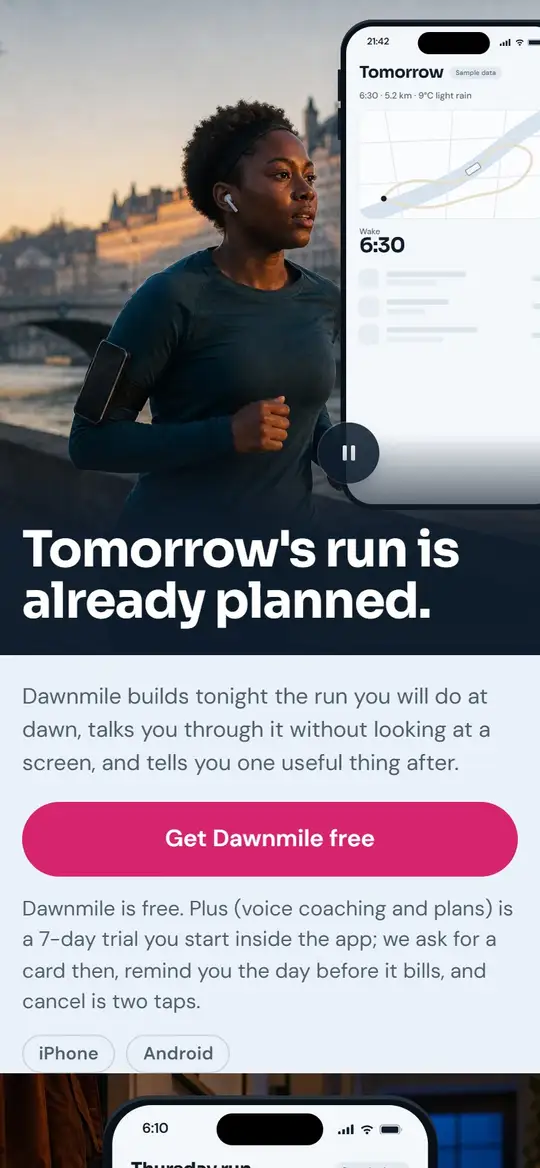
Stop hand-coding hero copy. Describe what your SaaS does and paste your signup link. AI writes the page, and each click goes to your app with its UTM tags.
Start your 3-day free trialCard required. Cancel during the trial and you pay nothing, then $9 a month.
- AI-written page
- Your own signup link
- UTM tags kept
- 16 page languages
A billing tool is not a fitness app. Each gets its own page.
Open them on your phone. The third is an email capture page, for when you’re not ready to take signups yet.

Invoicing SaaS Tool
A billing tool: where your screens go, features written as outcomes, a free offer and one signup button.
See this pageInvoicing SaaS pages
Fitness Tracker App
A mobile app: where your screens go, what the app does for you, and one download button.
See this pageFitness app pages
AI Design Tool Beta
Before launch: a private beta that collects signups until the product is ready.
See this pageBeta signup pages
A published signup page you can open:
FlowDeskAn API does not sign people up like a running app. Four pages, one per kind of software.
A developer tool, team software, a consumer app or a dashboard: you pick one of these four when you set up your signup page. Open one to see the full sample, in English.

Free · Quickstart
Developer tools, APIs, SDKs, command-line tools
See this page
Free · Live schedule
Team and business software: scheduling, planning, operations
See this page
Free · App story
Consumer apps on iPhone and Android
See this page
Free · Dashboard
Analytics, reporting and dashboard tools
See this page
Everything a SaaS founder ships on launch day.
The page does the selling. Your app keeps the signup, the accounts and the billing.
- Click tracked
- In your signup
Nothing to deliver here: the click keeps its UTM and lands in your own app.
Copy that sells the outcome
Describe what your app does in plain English. AI writes the headline and the features as what they change for your user.
A page shaped for your product
A developer tool, a B2B app and a consumer app don’t read the same. Pick your category and the sections follow.
Your screens come from you
Upload your app screenshot and feature screens and they lead the page. Without them, the AI makes a photo from your description, and it won’t show your real interface.
Your plans, as you set them
Say if you offer a free tier, a trial or freemium, then add your plans with price, billing period and link. Mark one as recommended.
Each click goes to your signup
Paste your signup URL. Clicks pass through a tracked link and land in your app, with the UTM tags and ad click IDs that reached the page.
Click numbers in your dashboard
Views, clicks and click rate by page and by plan, with devices, countries and sources. Signups finish in your app, so you read those there.
Demo video, logos, integrations
Paste a Loom or YouTube link, add client logos and the integrations you support, each with its logo.
Custom domain on launch day
Point get.yourdomain.com at your page with SSL set up for you, or stay on a pagestrike.app address while you test.
From idea to live page in three steps
Describe your SaaS
“AI dictation for clinicians” is enough to place the headline and write the features.
Paste your signup link
app.yourdomain.com/signup. Each button on the page goes there.
Publish and adjust
Live in minutes. Edit any section in place, or have the AI rewrite it.
A finished page beats a blank canvas.
| PageStrike | Webflow | Framer | Carrd | |
|---|---|---|---|---|
| Page, photos and tracked signup link from one description | Yes | No | No | No |
| Links to your external signup | Yes | Yes | Yes | Yes |
| Launch posts for X, LinkedIn and email | Yes | No | No | No |
| Custom domain | Yes | Paid only | Paid only | Paid only |
| Free tier | 3-day trial | Yes | Yes | Yes |
The AI landing page builder that replaces five tools, CRM included
The usual stack is a page builder, a booking tool, a quote tool, a spreadsheet for orders and a CRM for contacts. PageStrike ships all five, already connected when you publish.
- Your page
- Bookings
- Quotes
- Orders
- Contacts
Built-in CRM
Every order, booking, quote request and signup creates or updates the contact. Each one moves from subscriber to lead to customer on its own, with the full history on one record.
Orders and shipping
Follow each order from confirmation to cash in hand, returns included. Confirm in one click by phone or WhatsApp, with the message already written, and prepare a CSV sheet for your courier.
Calendar and bookings
Connect Google Calendar and bookings arrive on their own, with the Meet link. Clients get reminders 24 hours and 1 hour before, and can move their slot from the email.
Quotes and invoices
Price your quote and send it by email. Your client accepts or declines online, and an accepted quote becomes an invoice.
Analytics
Revenue, orders and conversion for each page. See where visitors stop, and which source brings your sales.
Sales alerts
Each order reaches you by email and in your dashboard, with every alert in one place.
SaaS pages: what founders ask first
What is a SaaS landing page?
The page you send ads, Product Hunt visitors or search traffic to. Its only job is to get them to start a trial or sign up. It isn’t your homepage: it’s tied to one audience or one campaign.
How is this different from Webflow or Framer?
Webflow and Framer start you on a canvas or a template, and the words are yours to find. PageStrike starts from your description: it writes the headline and the features, places your plans and hands you a finished page in minutes. Then you change what you want in place.
Can I route visitors to my actual signup page?
Yes, that’s the job of this goal. Paste your signup URL, such as app.yourdomain.com/signup, and each button goes there through a tracked link. UTM tags and ad click IDs that reached the page travel with the click. PageStrike does not host accounts: signups happen in your own app.
Can I see how many people signed up?
You see views, clicks and click rate in PageStrike. The signup itself finishes in your app, so you read that number there, with the UTM tags that came with the click.
Does the AI know my product category?
Yes. Tell it you’re “a project management tool for solo founders” or “AI dictation for clinicians”, and it adapts the headline, the features and the questions to your category.
Can I generate multiple pages for different campaigns?
Yes. Build one page per audience, ad or use case, each with its own numbers. Solo includes 3 launches a month, Starter 10 and Pro 25.
More questions
Is there a trial?
Yes. Solo starts with a 3-day trial, card required, then $9 a month or $86 a year: 3 launches a month, 1 custom domain and 0% commission. Cancel during the trial and you pay nothing. Starter at $19 a month gives you 10 launches and 3 domains, without PageStrike branding, with a 7-day money-back guarantee.
Explore more
AI landing page builder
The full overview — every feature, every CTA mode.
Free landing page builder
Free-trial details — try the SaaS template before committing.
Shopify landing page
Already e-commerce? Use the Shopify-specific page instead.
PageStrike vs Webflow
Why SaaS founders switch from Webflow for faster ship cycles.
Quote request landing page
B2B services flavor — qualified inbound leads.
Landing page examples
See real SaaS pages generated in minutes.
Pricing & plans
3-day free trial, plans from $9/mo. See every plan, limits, and the 0% COD fee.
Your SaaS page can be ready today.
Start your 3-day free trial3-day trial, card required. Cancel during the trial and you pay nothing, then from $9 a month. 7-day money-back guarantee on Starter and up.